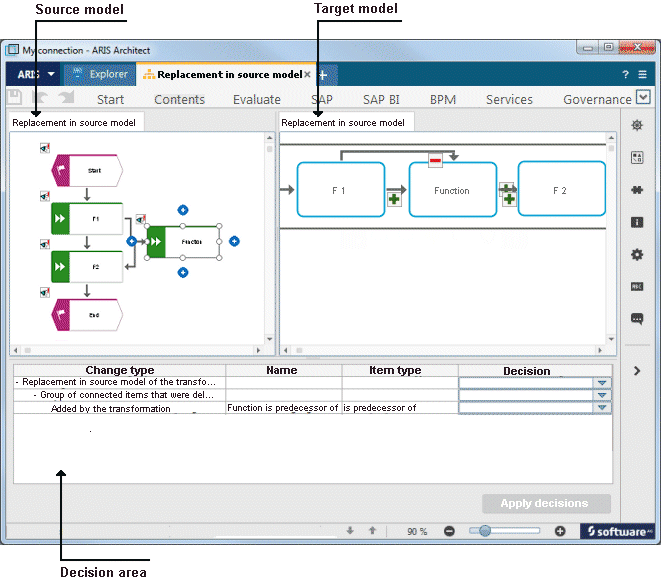
What will be displayed when aligning models?
In this view, you can accept or discard changes to an already existing target model. Target and source model are displayed side by side.
Changes are indicated by the following symbols in the model.
Symbol | Meaning |
|---|---|
 | Added by the transformation |
 | Deleted by the transformation |
 | Added to target model |
In the table, you can use the pop-up menu to select whether to accept or discard the suggested changes.